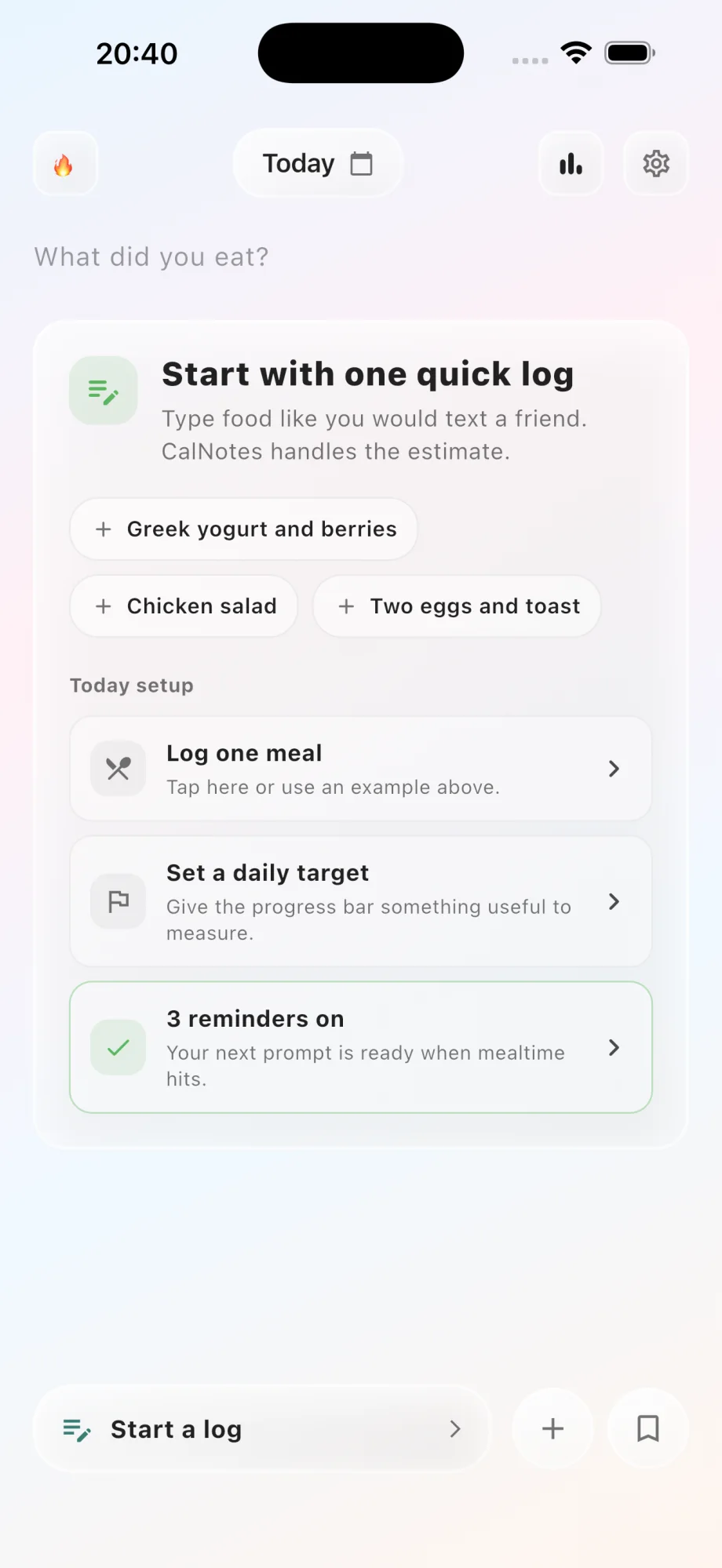
Start with the sentence already in your head
Most food logging starts with a search box, a long result list, and a serving selector. CalNotes starts with the description you already know: two eggs and toast, chicken rice bowl, or yogurt with berries and granola.
The app uses that note as context for an AI-assisted calorie and macro estimate. You still decide whether the result matches the portion and ingredients you actually ate.
Add detail only when it changes the estimate
A useful food note does not need to read like a recipe. Portion words, cooking methods, sauces, drinks, and second servings are usually the details that matter most.
CalNotes keeps the original meal and the estimated nutrition close together, so correcting one assumption does not require rebuilding the entire entry.
- Use rough portions such as cup, slice, handful, bowl, small, or large.
- Mention oil, dressing, cheese, cream, and sauces when they are easy to miss.
- Include restaurant or brand context when you know it.
- Treat the estimate as editable feedback, not a laboratory measurement.
Keep the diary calm enough to return to
A food diary only becomes useful when it survives ordinary days. Notes-style logging reduces the number of decisions between remembering a meal and recording it.
Today stays focused on readable meals, calories, protein, and your target. Weekly and monthly patterns remain available without turning the first screen into a spreadsheet.
Questions about this CalNotes feature
Can I type a whole meal in one note?
Yes. You can describe a mixed meal in one entry and then review the foods, calories, and macros CalNotes estimates from that description.
Can I edit an AI calorie estimate?
Yes. CalNotes is designed around review and correction because portion size, oil, sauces, and preparation can change an estimate.
Do I need to search a food database?
No. Natural-language logging is the primary workflow. Labels and measured portions can still help when you want more precise context.