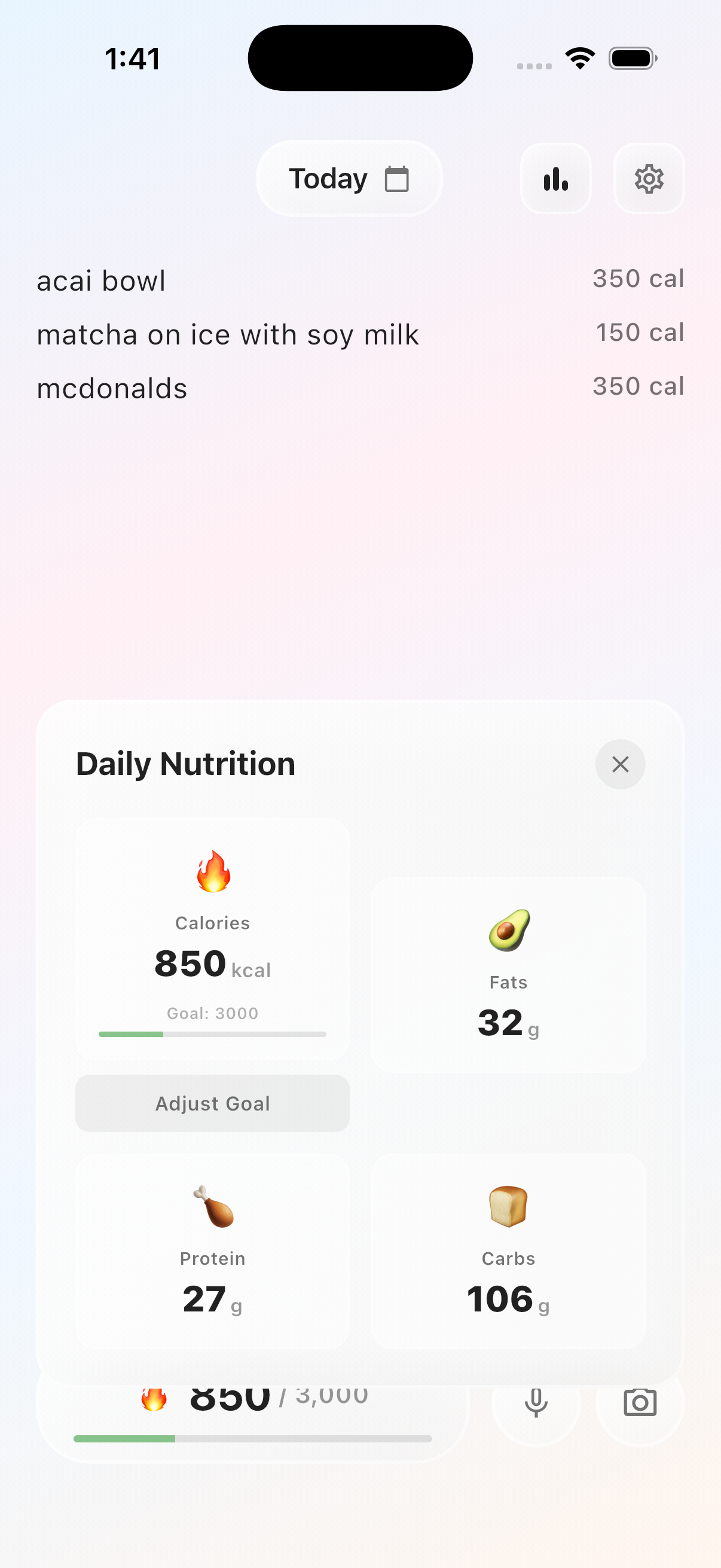
Use the camera when the plate is easier to show
Photo logging is useful for mixed plates, restaurant meals, leftovers, and meals with several visible ingredients. It creates a fast starting point without asking you to search for each item separately.
CalNotes sends the photo you choose for AI analysis when you use this feature. The returned estimate remains a draft you can review and correct.
A photo cannot see every calorie
A single image may identify chicken, rice, salad, pasta, or fries while missing the amount of oil, butter, dressing, sugar, cream, or sauce. Bowl depth and serving size can also be difficult to infer.
The practical workflow is photo first, context second. Add a short note when the image cannot communicate preparation or quantity.
- Keep the whole plate or container in frame.
- Add cooking oil, dressing, dips, drinks, and second servings.
- Mention the restaurant or dish name when appearance alone is ambiguous.
- Use packaging information or measured portions when precision matters.
Speed matters more than false certainty
Photo calorie estimates are best used for consistent awareness, not medical precision. The feature is valuable when it helps you create a realistic record that you would otherwise skip.
For prescribed diets, eating-disorder care, pregnancy, medical conditions, or performance nutrition, use qualified professional guidance and do not treat a consumer photo estimate as clinical advice.
Questions about this CalNotes feature
Can CalNotes estimate calories from a food photo?
Yes. Photo logging can estimate visible foods, calories, and macros, but the result depends on the image and the context you provide.
Are meal photo calorie estimates exact?
No. Hidden ingredients, serving size, and preparation can change the result. CalNotes keeps estimates editable for that reason.
Where does my photo go?
The selected photo is processed for the AI request when you use photo logging. The privacy policy explains the providers and data flow in more detail.