The core diary starts on your device
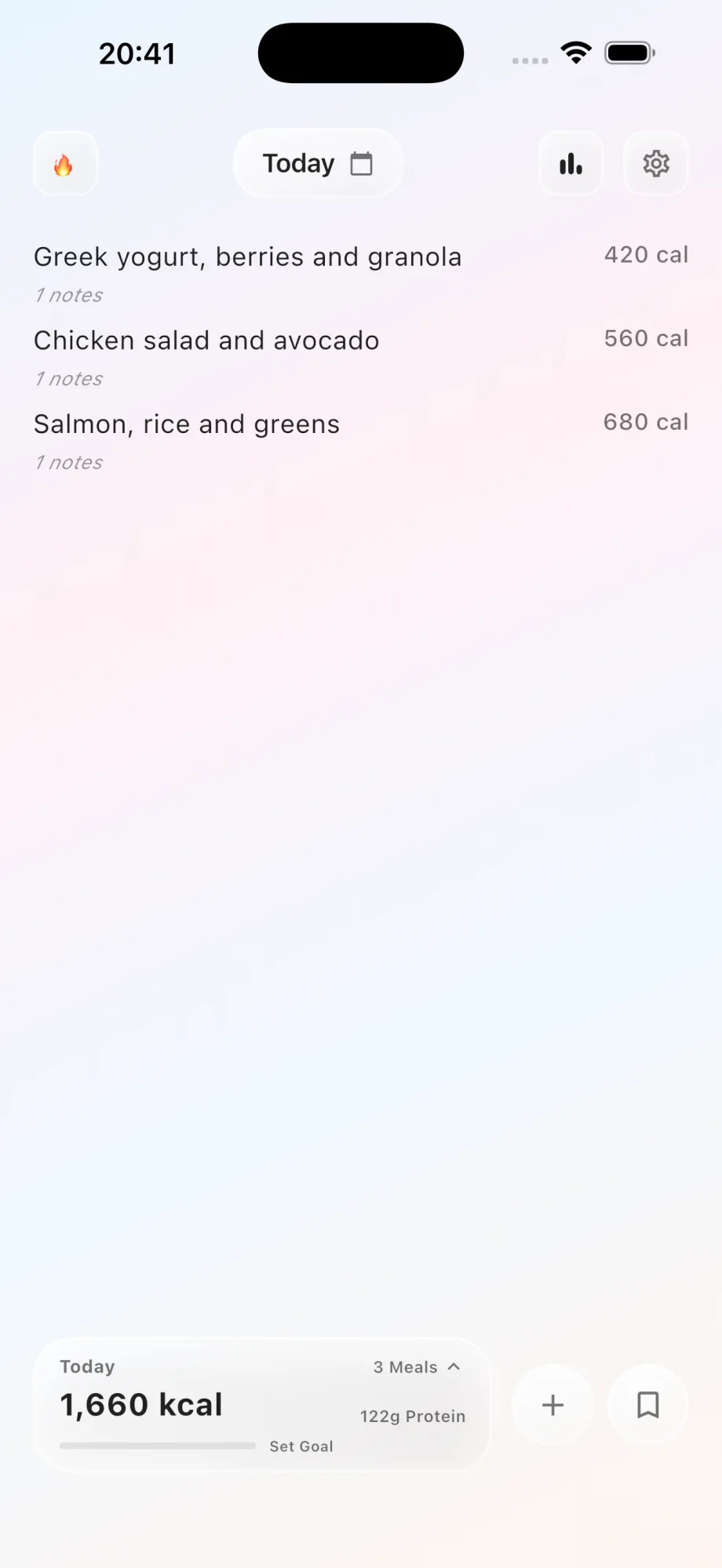
CalNotes does not require an account for the main food logging experience. Food entries, goals, saved meals, reminders, and history are designed to live in local app storage on your iPhone.
That makes starting simpler and reduces the amount of account information CalNotes needs to operate the diary.
Local storage does not mean every feature is offline
AI estimates, photo analysis, purchase validation, support forms, speech recognition, and optional health integrations may involve Apple or other service providers when you use those features.
The privacy policy explains what each feature processes. The useful distinction is between the core diary stored locally and the specific content submitted for an optional request.
- No CalNotes account is required for the main diary.
- Core entries and settings are stored locally on the device.
- AI features process the text, photo, and context needed for the request.
- Device permissions can be reviewed or revoked in iOS settings.
Local-first also has practical tradeoffs
Local storage limits routine cloud exposure, but it also makes device backups and deletion behavior important. Uninstalling the app or clearing device data can remove local history, subject to operating-system backup behavior.
Read the current privacy policy before using optional AI or health features, especially if your food notes contain information you consider sensitive.
Questions about this CalNotes feature
Does CalNotes require an account?
No. You can start the core food diary without creating a CalNotes account.
Is CalNotes completely offline?
No. Core diary storage is local, but AI, photo, voice, purchase, support, and optional health features may involve service providers.
Does CalNotes sell food or health data?
CalNotes states that it does not sell personal information or use food and health data for advertising. Read the privacy policy for the complete current disclosure.